Every brief, on schedule.
Appeals run on a sequence the rules fix: notice, record, transcripts, briefs, argument and decision. FirmsVault tracks each step for civil, criminal and interlocutory appeals, so the briefing schedule and the record stay in order.
Appellate work, recorded as it happens
Civil and criminal appeals, interlocutory appeals and writs, appellee representation and petitions for further review. Work centres on the notice of appeal and its jurisdictional deadline, the record and transcripts, the briefing schedule, oral argument, and the decision with its rehearing and certiorari windows.
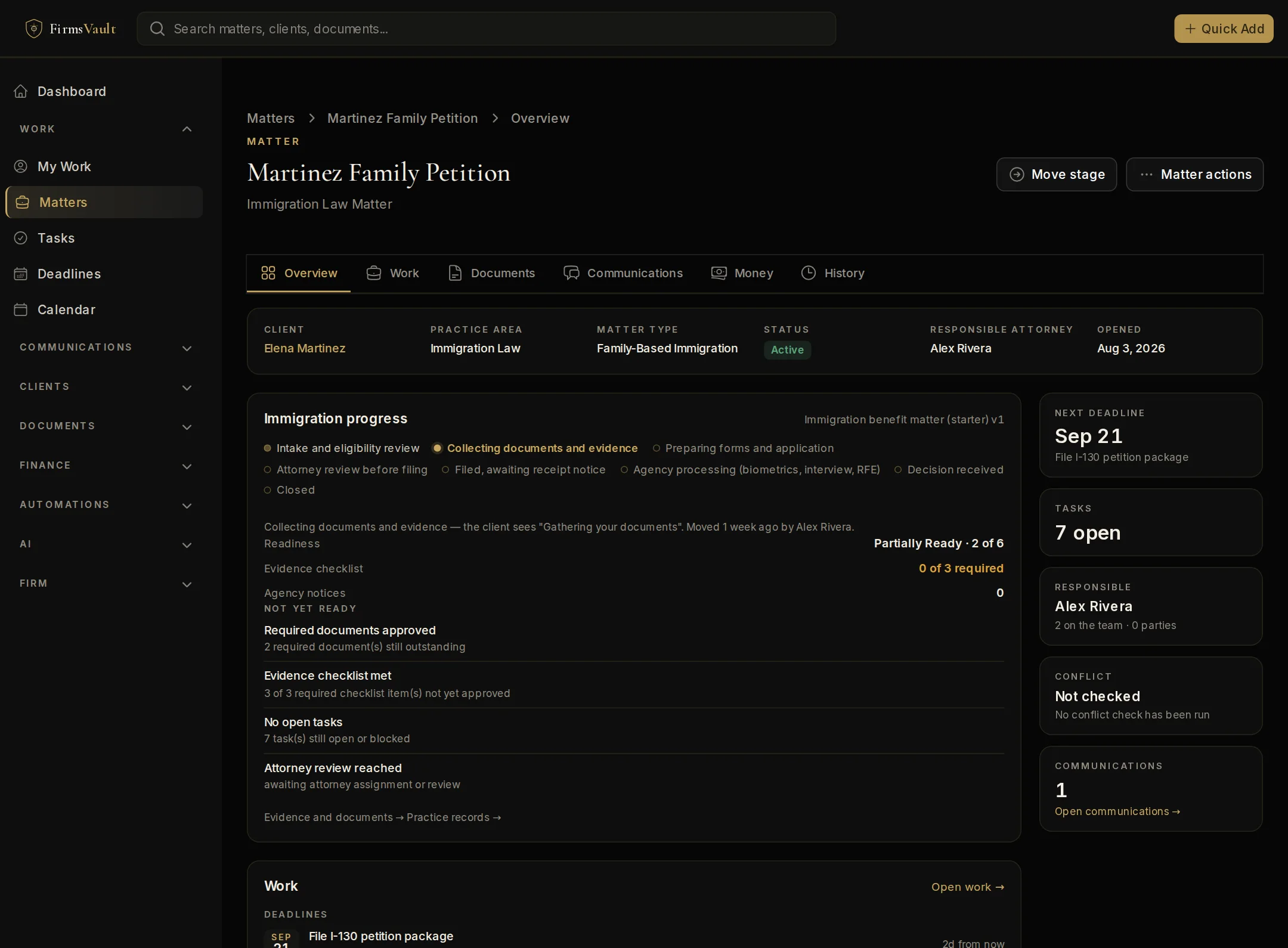
A workspace that watches the practice
Every Appellate matter the firm is working sits on one practice workspace: what needs attention, what is due, who carries the work and what is still missing.
Practice figures
- Briefs due in the next 30 days
- Notices and petitions being prepared
- Record items ordered, not received
- Oral arguments in the next 30 days
- Decisions needing a next step
What it flags
- Notice of appeal date has passed
- Notice of appeal window closing
- Notice of appeal date not confirmed
- Transcript order due
- Record on appeal due
Matter types
- Appellee Representation
- Civil Appeal
- Criminal Appeal
- Interlocutory Appeal / Writ
- Other Appellate Law Matter
- Petition for Review / Certiorari
Automation starters
- Confirm the judgment date and the notice-of-appeal deadline
- Opening brief coming due
What the client sees
The starter workflow's client-facing stages. The Client Portal shows these words, never the firm's internal steps; the firm can rename or reorder them.
- Getting started
- Notice of appeal
- Assembling the record
- Opening brief
- Response brief
- Reply brief
- Decision received
- Complete
Court forms
Appellate courts publish their own notice, docketing and briefing forms by court. Where FirmsVault has a verified reference it is listed above; otherwise the court's current version is the one to use.
- Notice of appeal
- The filing that starts the appeal; its deadline is usually jurisdictional.
- Record on appeal
- The trial court filings, exhibits and transcripts the appellate court reviews.
- Standard of review
- How much deference the appellate court gives the ruling below.
- Preservation
- Raising an issue below so it can be argued on appeal.
Workflows, checklists, deadline guidance and automation starters are starting points for attorney review, not legal advice. FirmsVault does not calculate legal deadlines or file with courts or agencies. Availability of some capabilities depends on your plan and configuration.