Rules you can read. No AI required.
Automate the follow-ups, reminders and hand-offs your firm repeats every day. A rule does exactly what it says — the same way every time — and you can see what it did.

Building a rule
The builder walks through the same five steps for every automation.
- WHENPick what starts it — a document is overdue, a deadline is approaching, an invoice becomes overdue, a signature is completed.
- ONLY IFNarrow it with conditions, such as how many days have passed or who the assigned attorney is.
- THENChoose what happens — create a task, notify the attorney or billing, message the client, request documents, escalate a deadline.
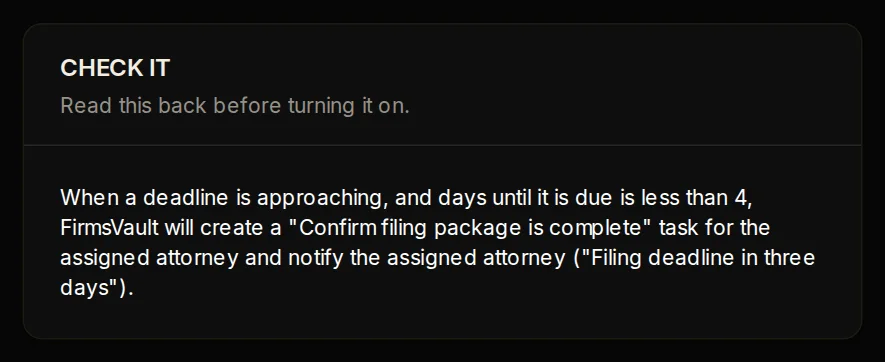
- CHECK ITFirmsVault reads the whole rule back in plain language, so you know exactly what you are switching on.
- Turn it onSwitch it on when you are ready. Every run is recorded in History.
Read it back before it runs.
Before a rule is switched on, FirmsVault writes out exactly what it will do, in plain language. Turn it on only when that sentence is what you mean — or have someone approve each run.
A rule runs the same way every time. There is no model deciding what it means.
History shows every run in plain language — what happened, what did not and why, and what, if anything, needs a person.
Rules cannot trigger each other in a loop, and steps that need a person's sign-off wait for it.
Automation works with no AI at all. FirmsVault AI is a different tool, with its own approvals.
See FirmsVault with your own matters in mind.
A walkthrough shaped around your practice, your team and how you handle client money. No preparation needed.